 eden lane
Release 2026.6 - MCP Server
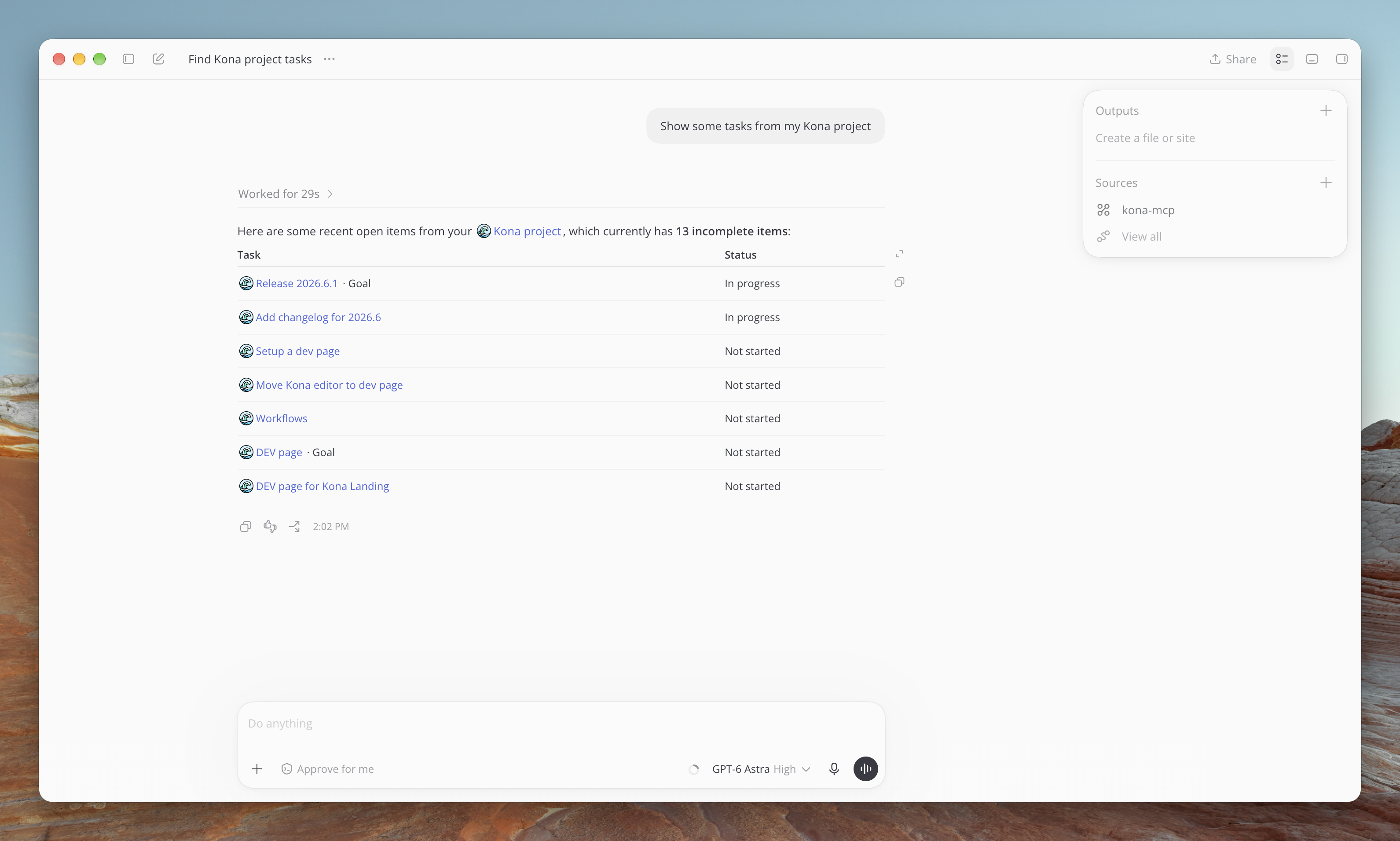
The Kona MCP server is finally here! You can now connect your favorite AI tools
directly to Kona, so they can read and write data for you. For example,
you can import tasks from other connected tools or ask AI to add more details
to your goal.
Instructions for adding the MCP server to your agent can be found here.
eden lane Release 2026.4 - Statistics
Statistics is so important if you want to understand how productive you really are.
I don’t think we will ever find a perfect way to measure productivity, but we can certainly try.
On the brand-new statistics page, we made a lot of adjustments to make this task a little easier.
First of all, now you can see your stats for the last 7 days instead of the current week.
Before this change, it was difficult to tell how your week was different from the previous one until Sunday.
Now, it takes just one glance at the widgets (more on them later).
Secondly, we added filters, so you can cut the noise from the graph.
For example, if you have a project for your leisure time and you want to know how much time you’ve spent on everything except this, you can toggle the project off.
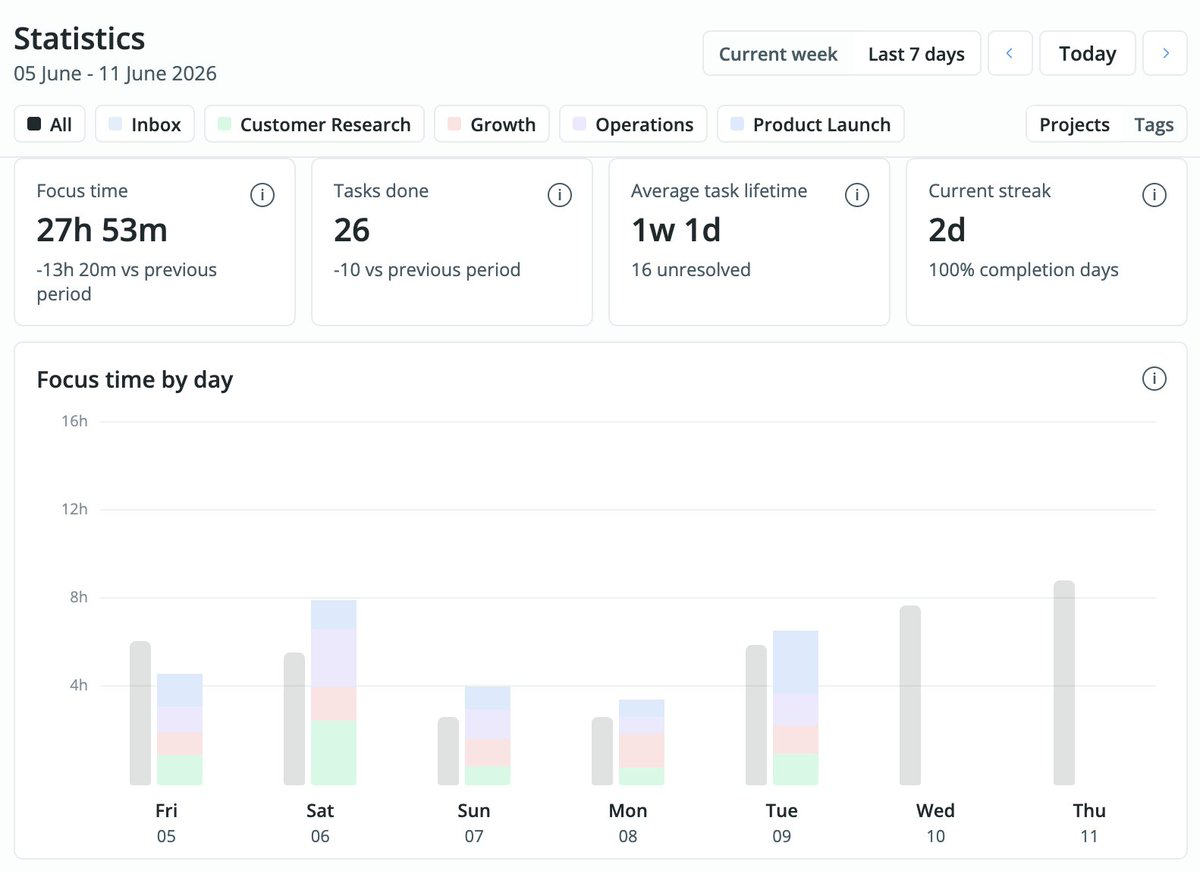
We’ve added 4 widgets for quick stats:
- Focus time. It shows amount of time you’ve spent on the selected projects during the selected period.
I believe it is most important metric.
- Tasks done. I don’t like this metric, because it’s almost impossible to get the full picture from this number, but sometimes it helps to know it.
- Average task life time. Our new metric will help you to understand if you create more tasks that you complete.
If this number is high, I would advise to take a step back and focus on the backlog.
- Current streak. If you use our regular daily notes as a container for your tasks, this will help you know how many days in a row you’ve been completing 100% of your planned tasks.
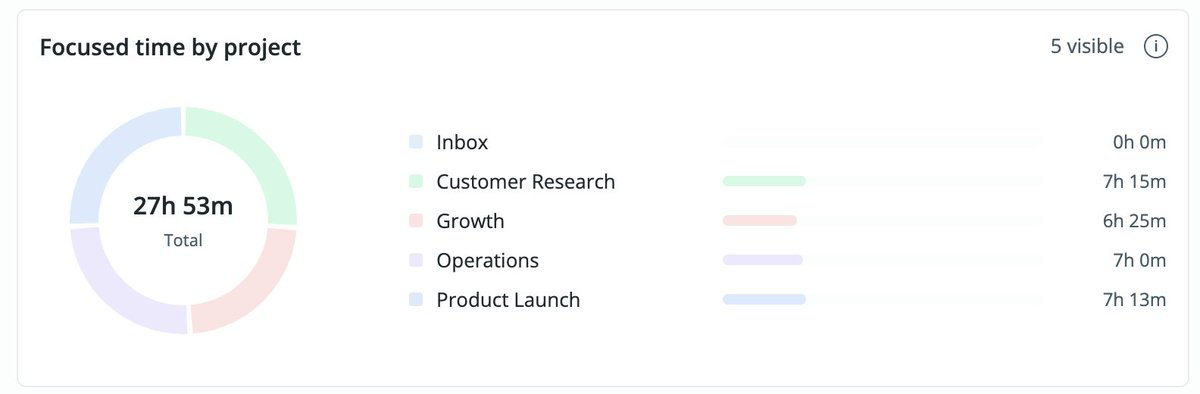
Our next chart shows how your time is split between different projects.
There you can see if some part of your life is falling behind and needs more attention.
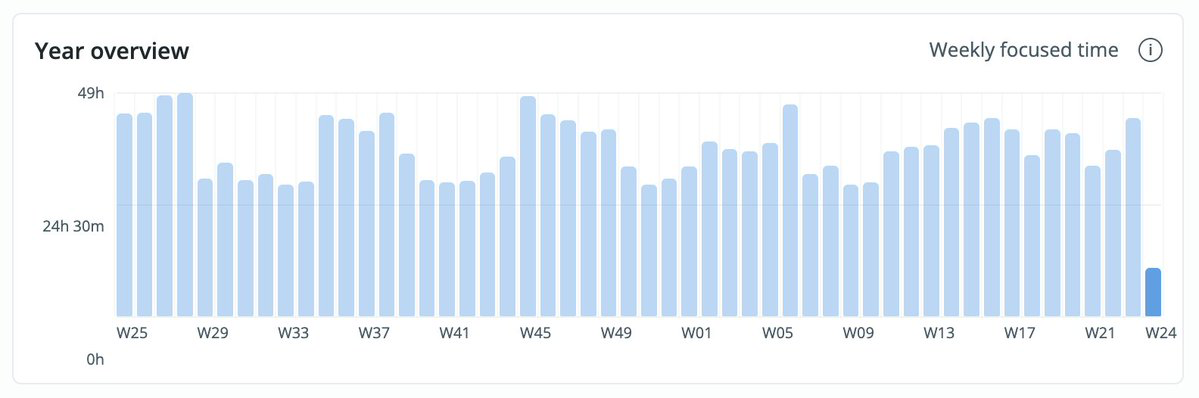
And finally we have rebuilt the Year overview from scratch.
The goal is to show the ups and downs during your last 52 weeks.
The full statistics page is available for our subscribers, but you can use the app for free with some limitations.
eden lane Release 2026.3 - New create popup
In this release we decided to refresh the task creation popup. It now allows you to
change available options, so you can hide anything you never or rarely use. We also
updated the date time picker – now you can select a different time zone for any task or event.
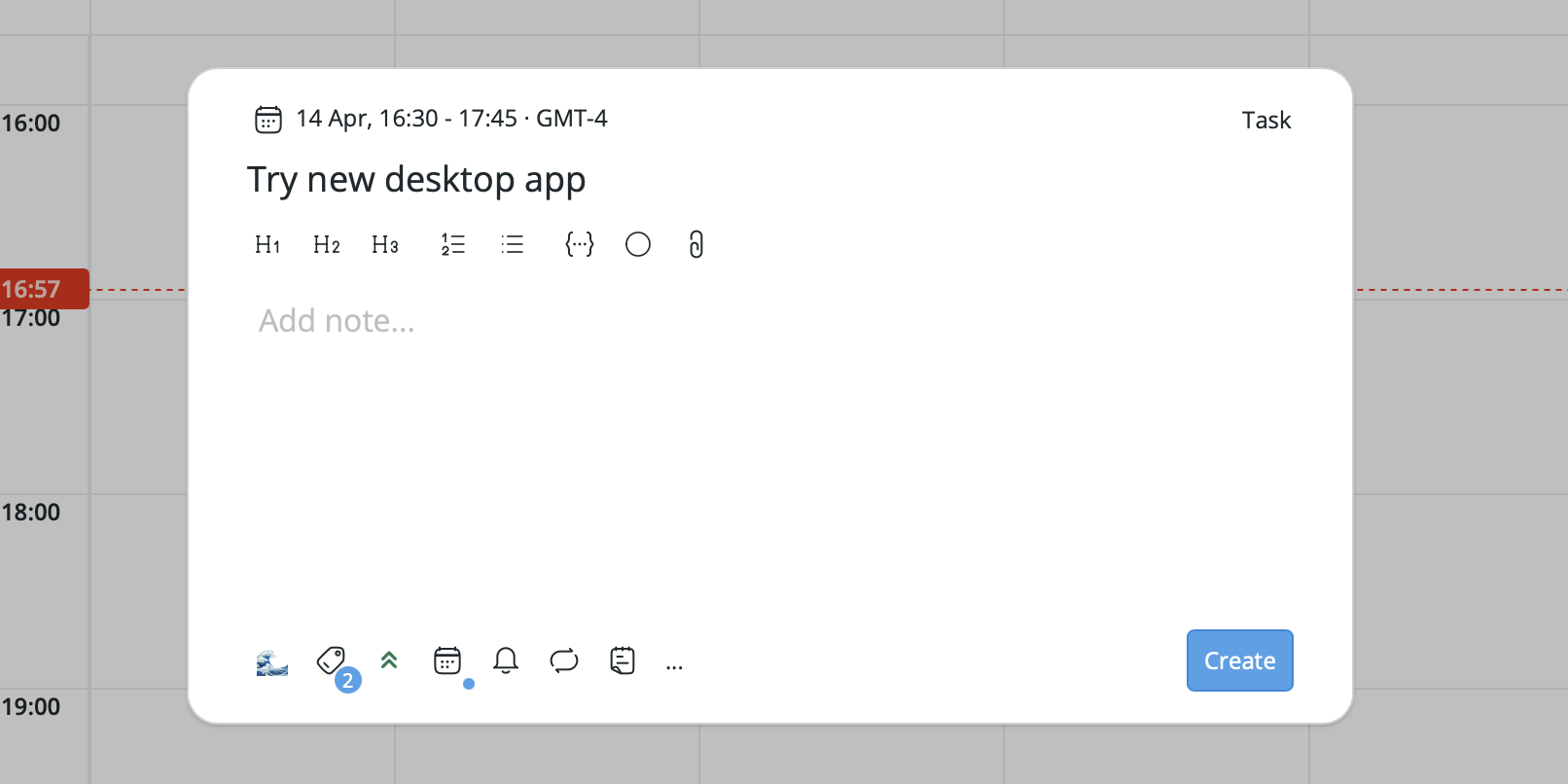
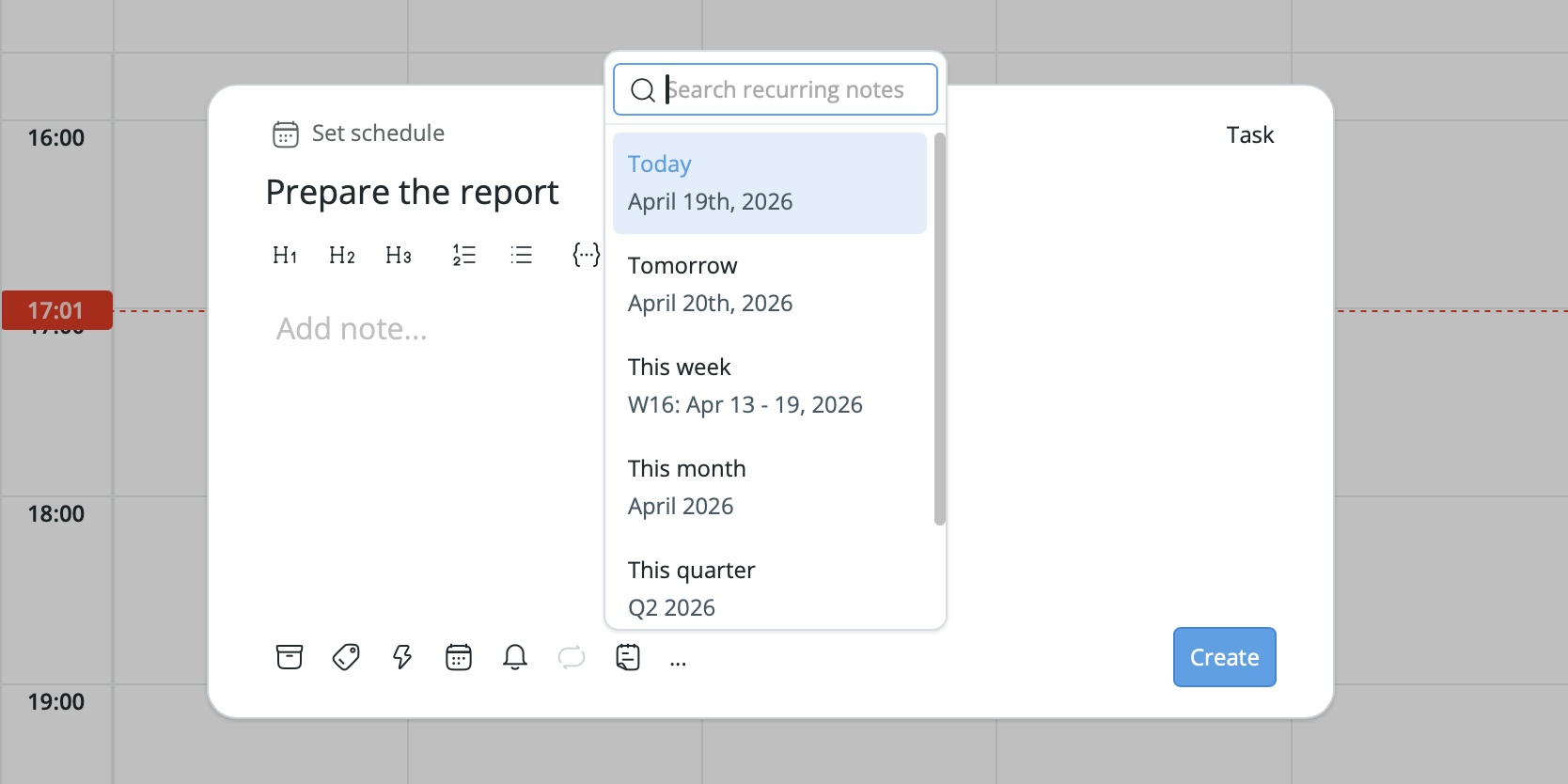
But that’s not all! If you want to create a task and add it to a new recurring note right away,
you can do this by selecting a recurring note from the dropdown.
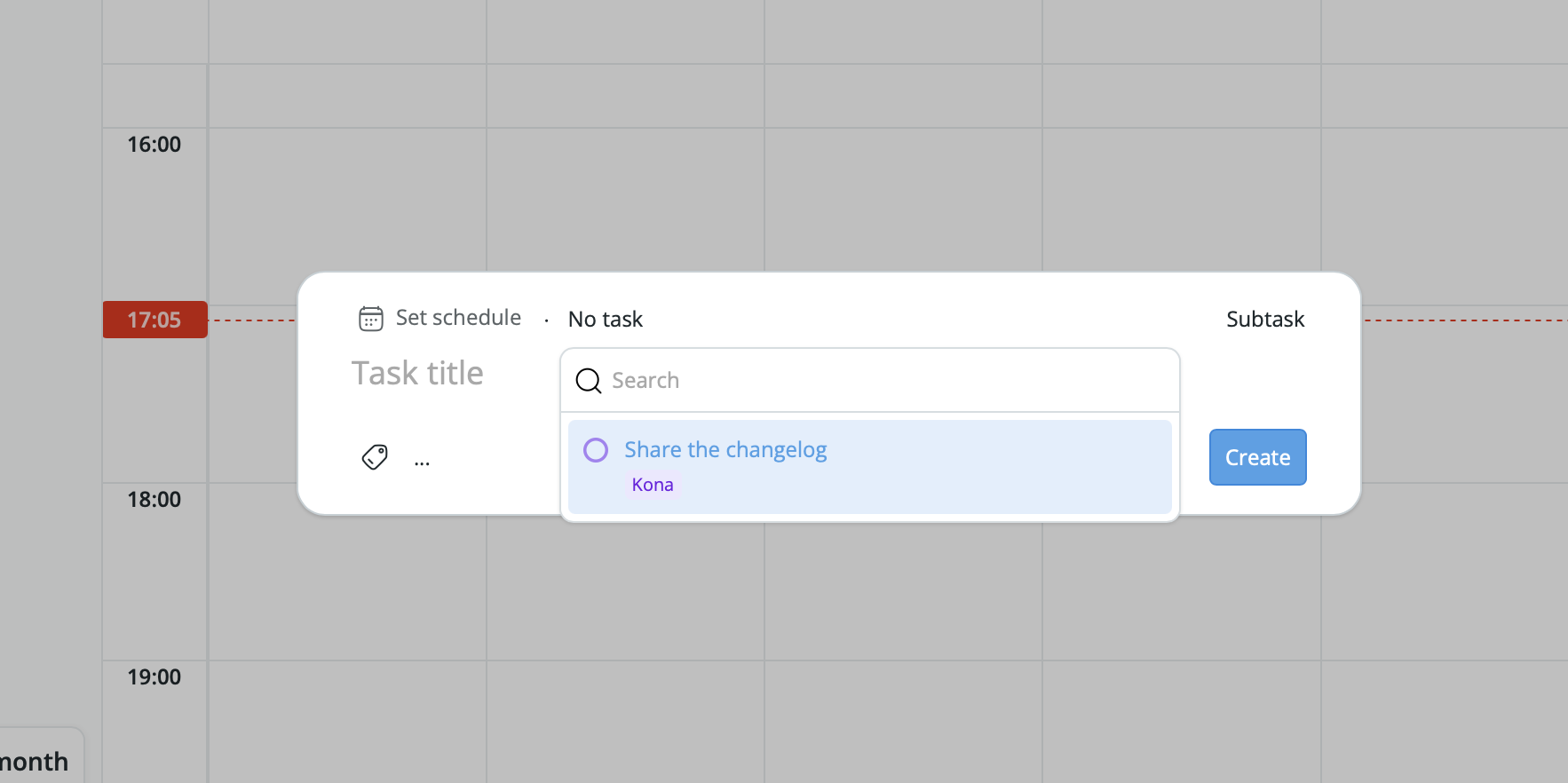
Adding a subtask to an existing task has now become a little bit easier.
Select a subtask from the dropdown on the right side of the creation popup and then select a parent task.
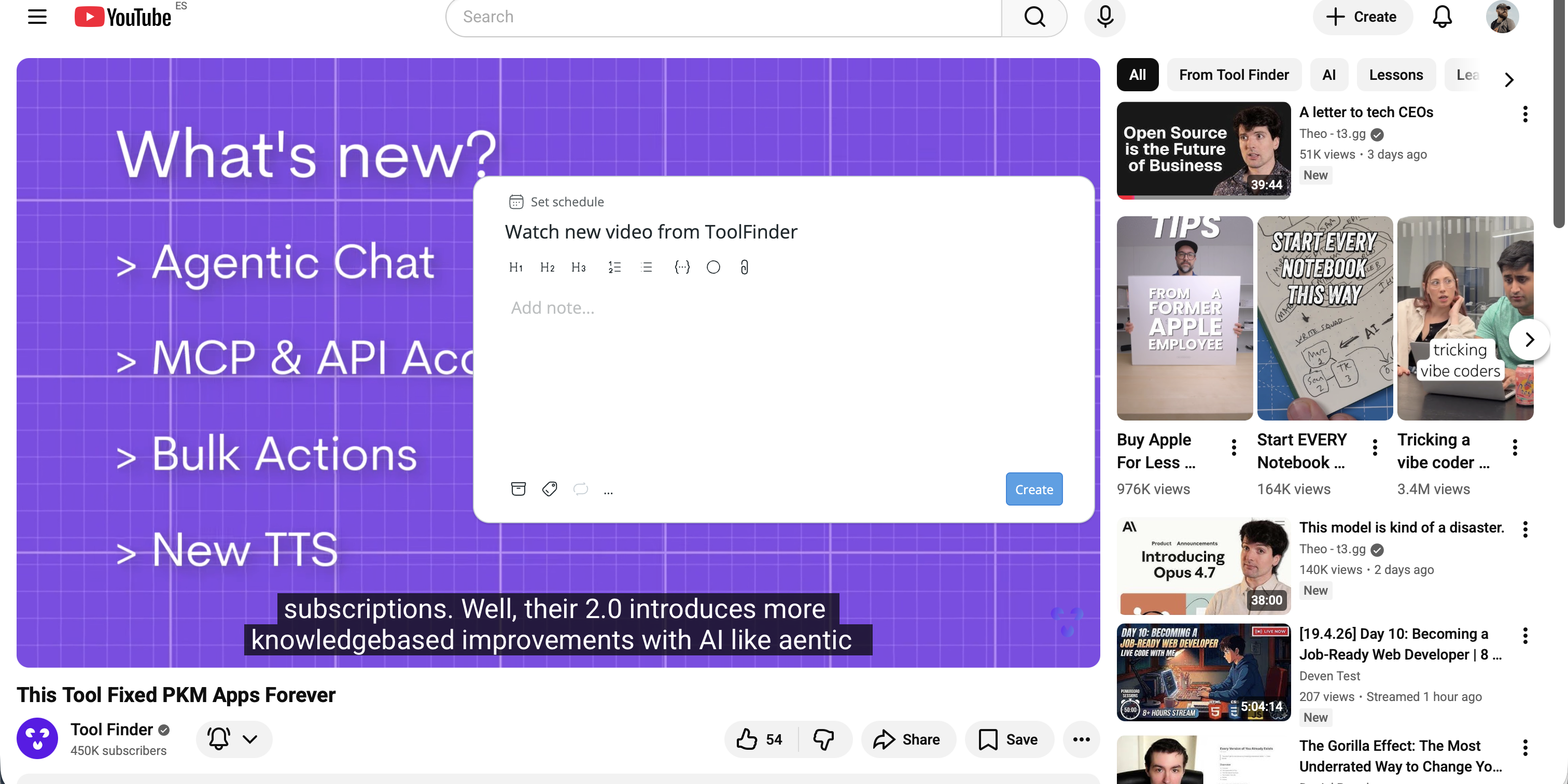
If you’re using our desktop app, you can now open the task creation popup from anywhere by pressing Cmd + Shift + C
(by default, can be changed in the settings).
Last but not least, we have fixed a lot of small and medium bugs.
eden lane Release 2026.2 - Home Page and Filters
Home Page
You can now use recurring notes on a new Home page to plan your day, week, month, quarter, or year.
Filters
Now you can filter tasks in the sidebar and save filters for later use.
eden lane Release 2026.1 - Multiple selection
Multiple selection
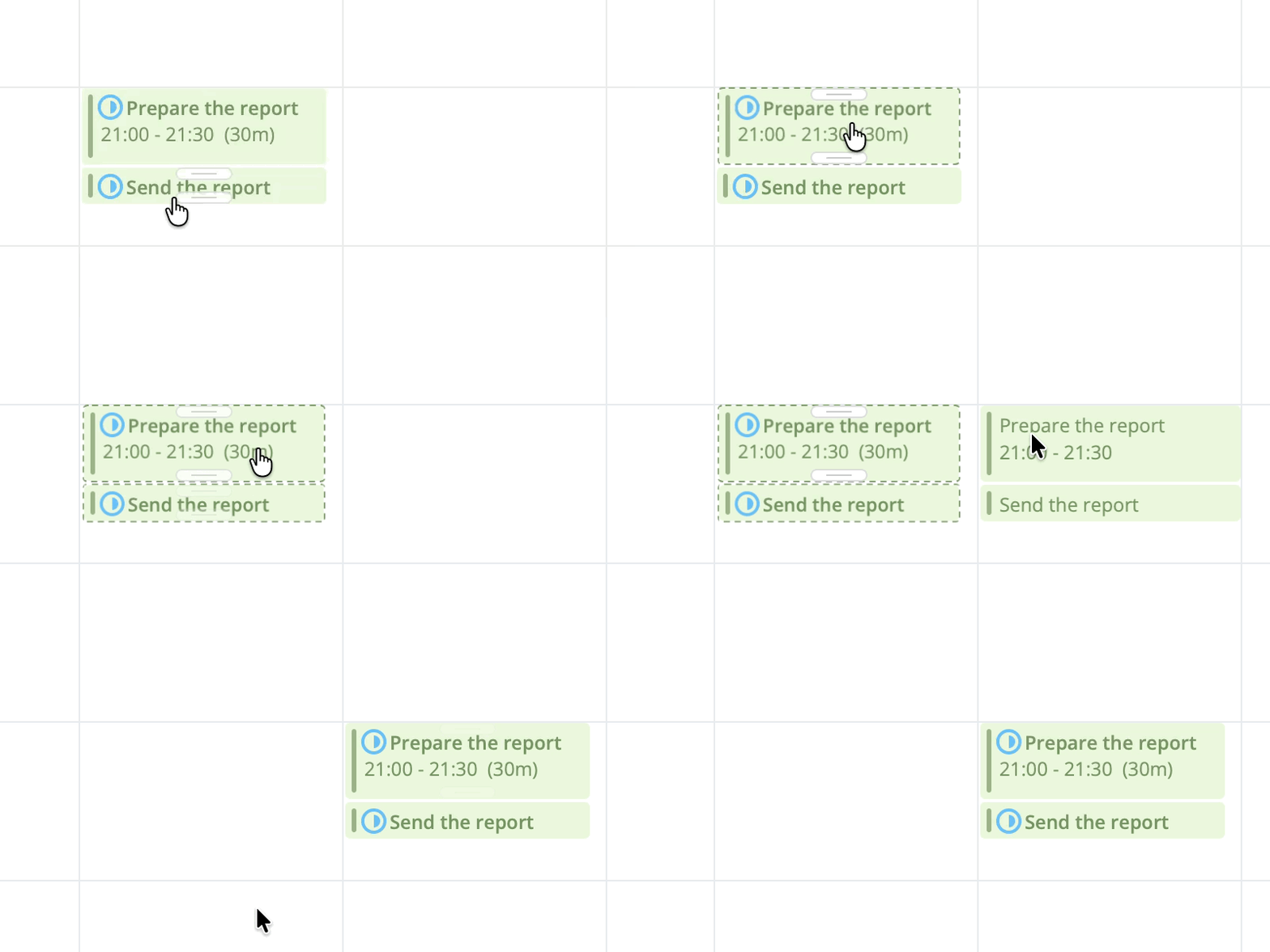 In this release we wanted to make it easier to change multiple calendar events at once.
You can now select a bunch of them and move or delete them all at once.
In this release we wanted to make it easier to change multiple calendar events at once.
You can now select a bunch of them and move or delete them all at once.
Better search
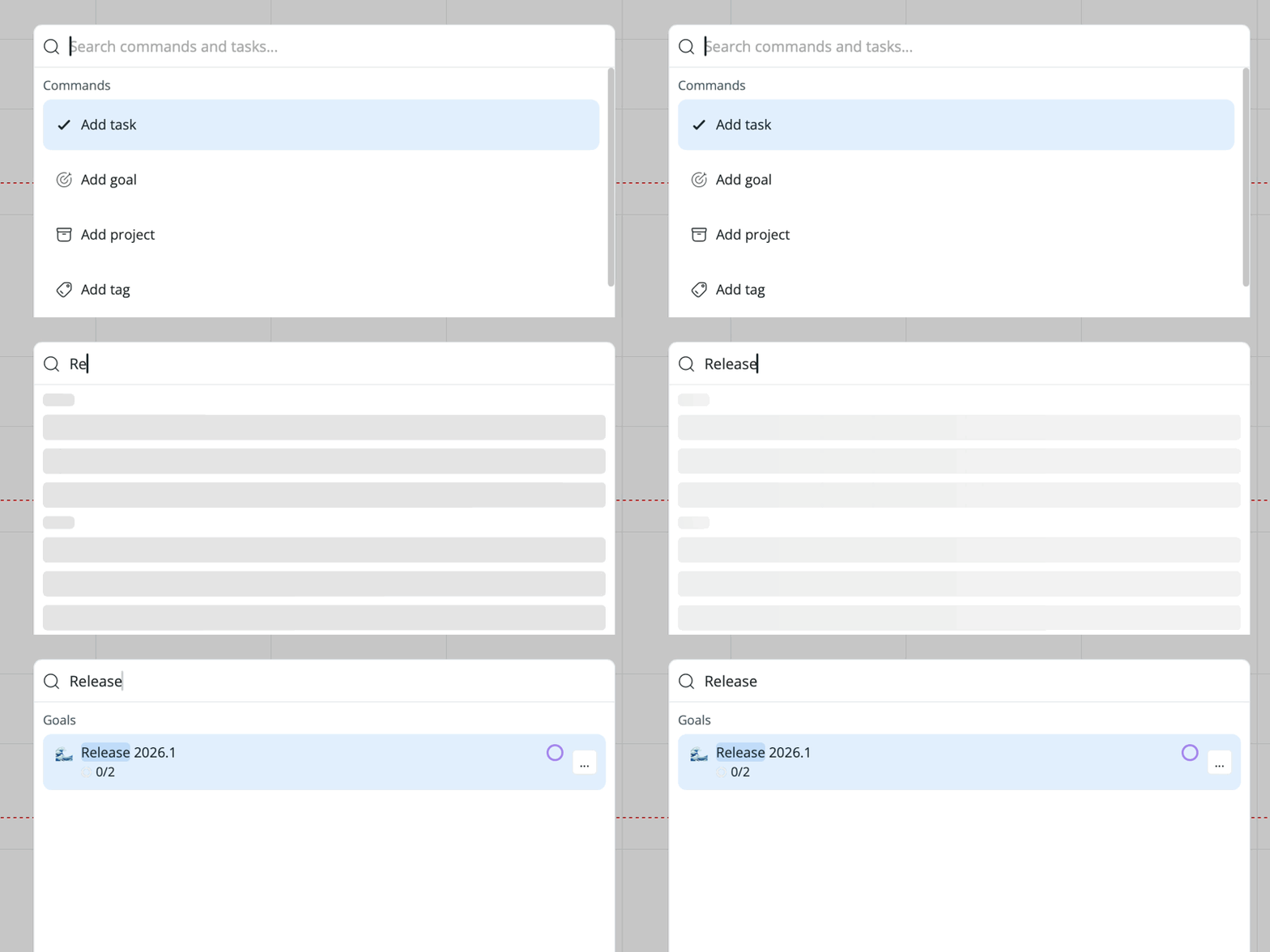 Search has become a little bit faster and it also supports goals now.