


Release 2026.3 - New create popup
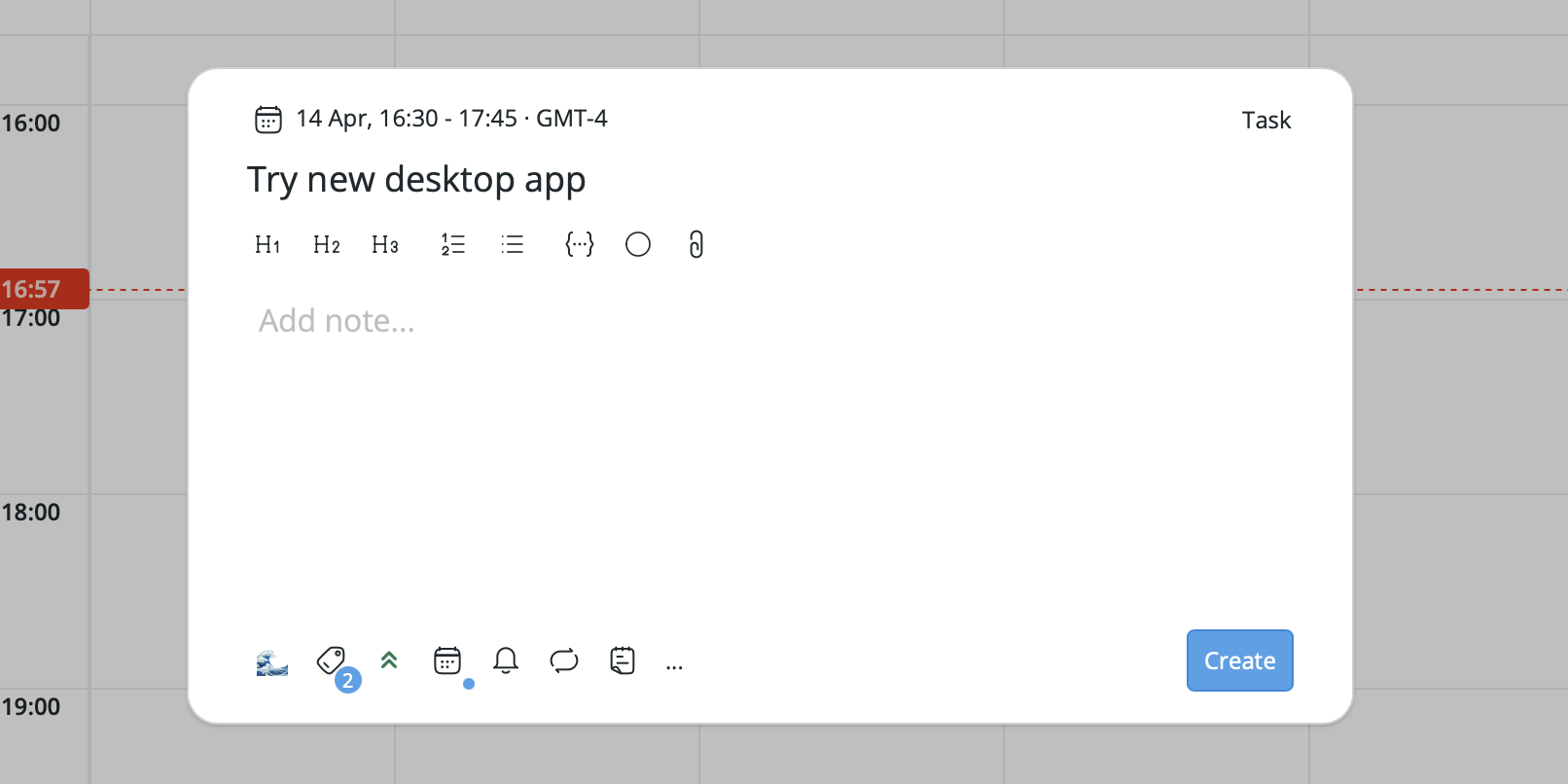
In this release we decided to refresh the task creation popup. It now allows you to change available options, so you can hide anything you never or rarely use. We also updated the date time picker – now you can select a different time zone for any task or event.
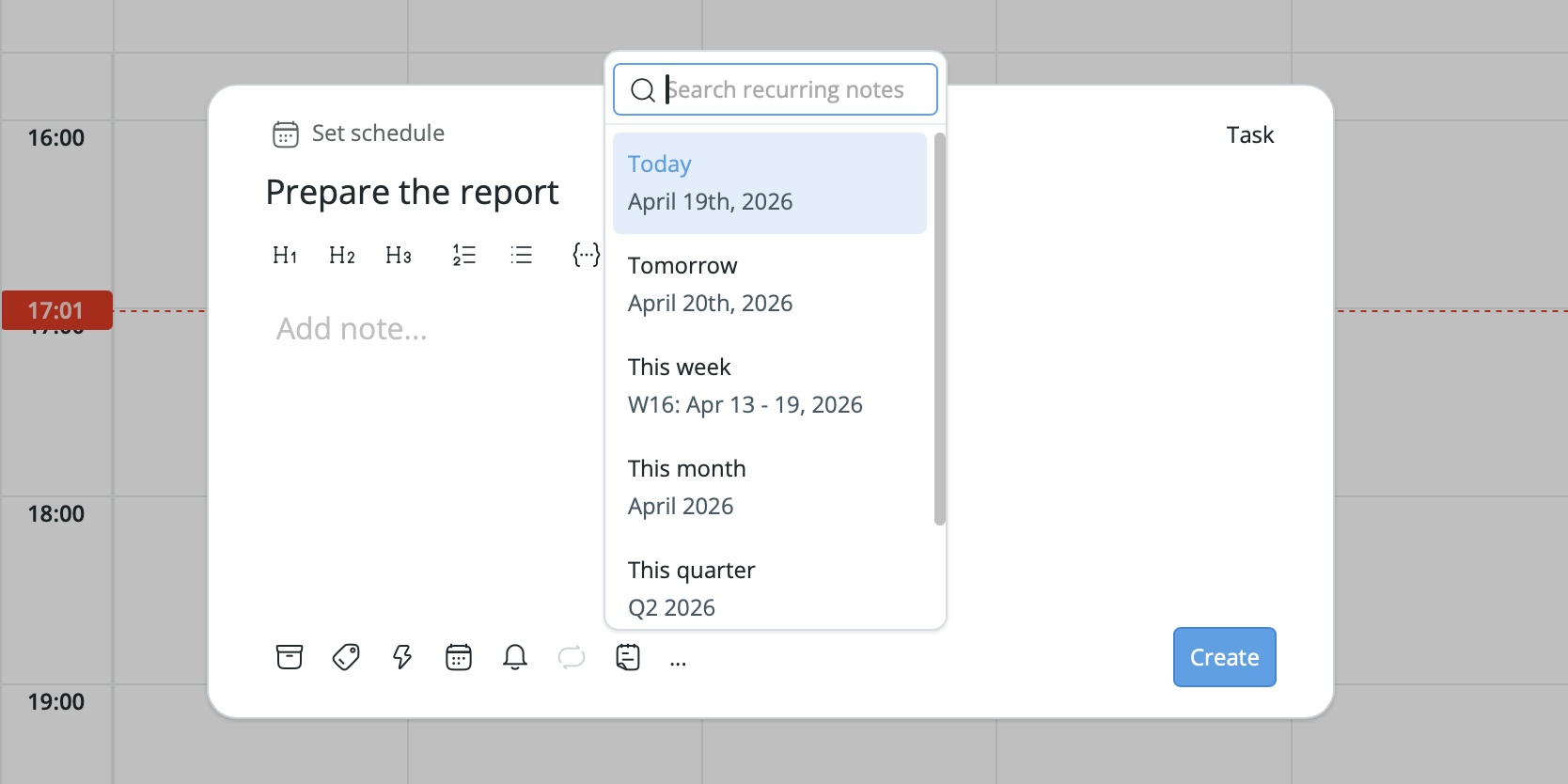
But that’s not all! If you want to create a task and add it to a new recurring note right away, you can do this by selecting a recurring note from the dropdown.
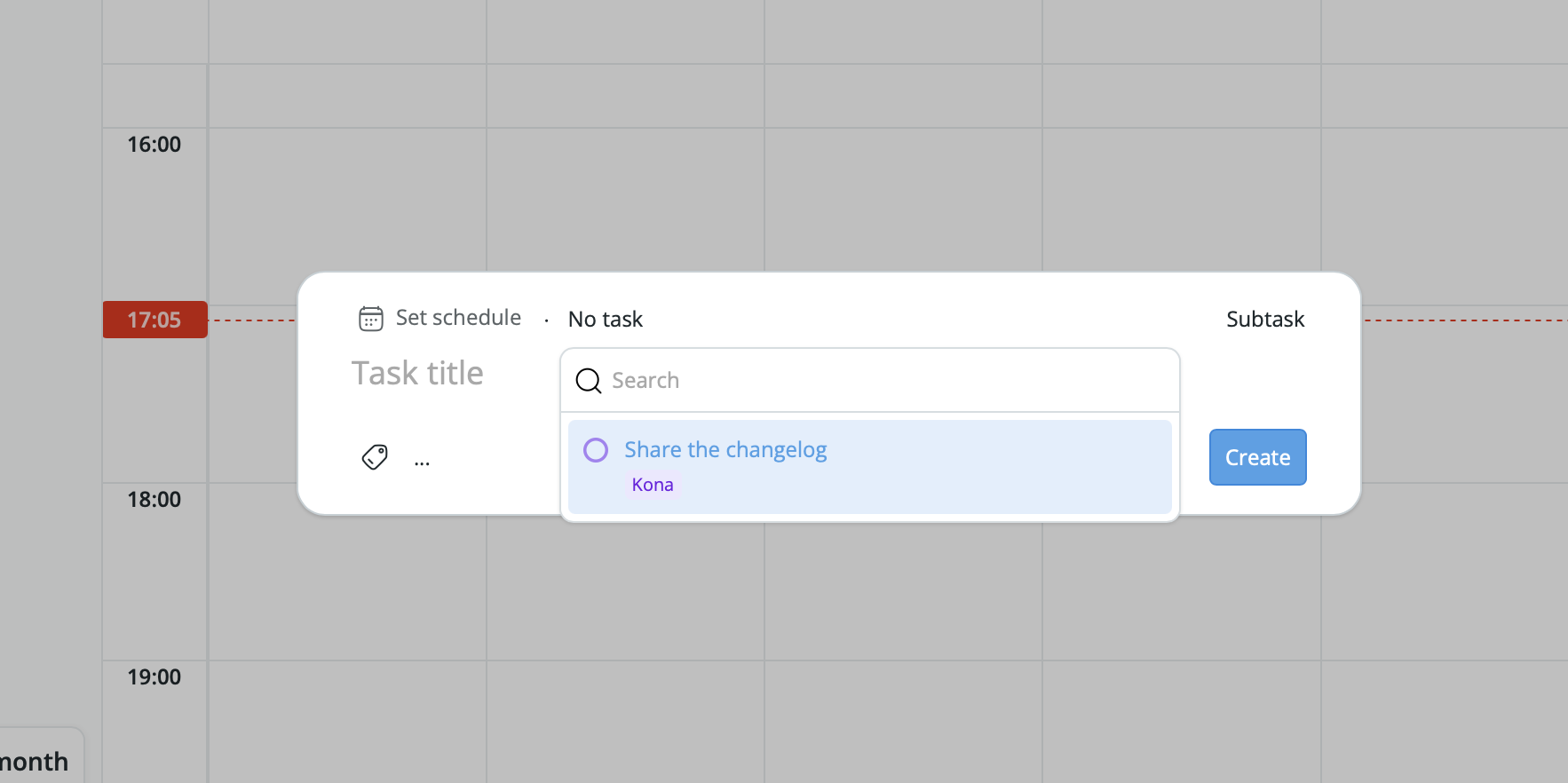
Adding a subtask to an existing task has now become a little bit easier. Select a subtask from the dropdown on the right side of the creation popup and then select a parent task.
If you’re using our desktop app, you can now open the task creation popup from anywhere by pressing Cmd + Shift + C
(by default, can be changed in the settings).

Last but not least, we have fixed a lot of small and medium bugs.
